Can you really build a professional website without breaking the bank? Absolutely. While web design demands both visual appeal and rock-solid functionality, you don't need an expensive toolkit to deliver excellent user experiences. Whether you're launching your first site or working with limited resources, the path from initial concept to live website is more accessible than ever.
The key isn't your budget: it's understanding core design principles, choosing the right free and low-cost tools, and investing your time strategically. Modern web design has democratized dramatically, with countless quality resources available at little to no cost.
In this guide, you'll discover how to create contemporary, reliable websites while keeping expenses minimal. You'll learn which tools truly matter, where you can safely cut costs, and how to maintain professional standards throughout. No fluff, no expensive software requirements—just practical strategies that work.
Getting Started: Your Foundation
Before diving into tools and tutorials, understand what actually makes a website work:
- HTML provides the structure—headings, paragraphs, images, and links
- CSS handles the visual styling—colors, layouts, fonts, and spacing
- JavaScript adds interactivity—menus, forms, and dynamic content
- Server-side code powers advanced features (you can skip this initially)
Don't try to master everything simultaneously. Begin with HTML and CSS. They deliver visible results quickly, helping you build momentum and confidence.
Your First Steps
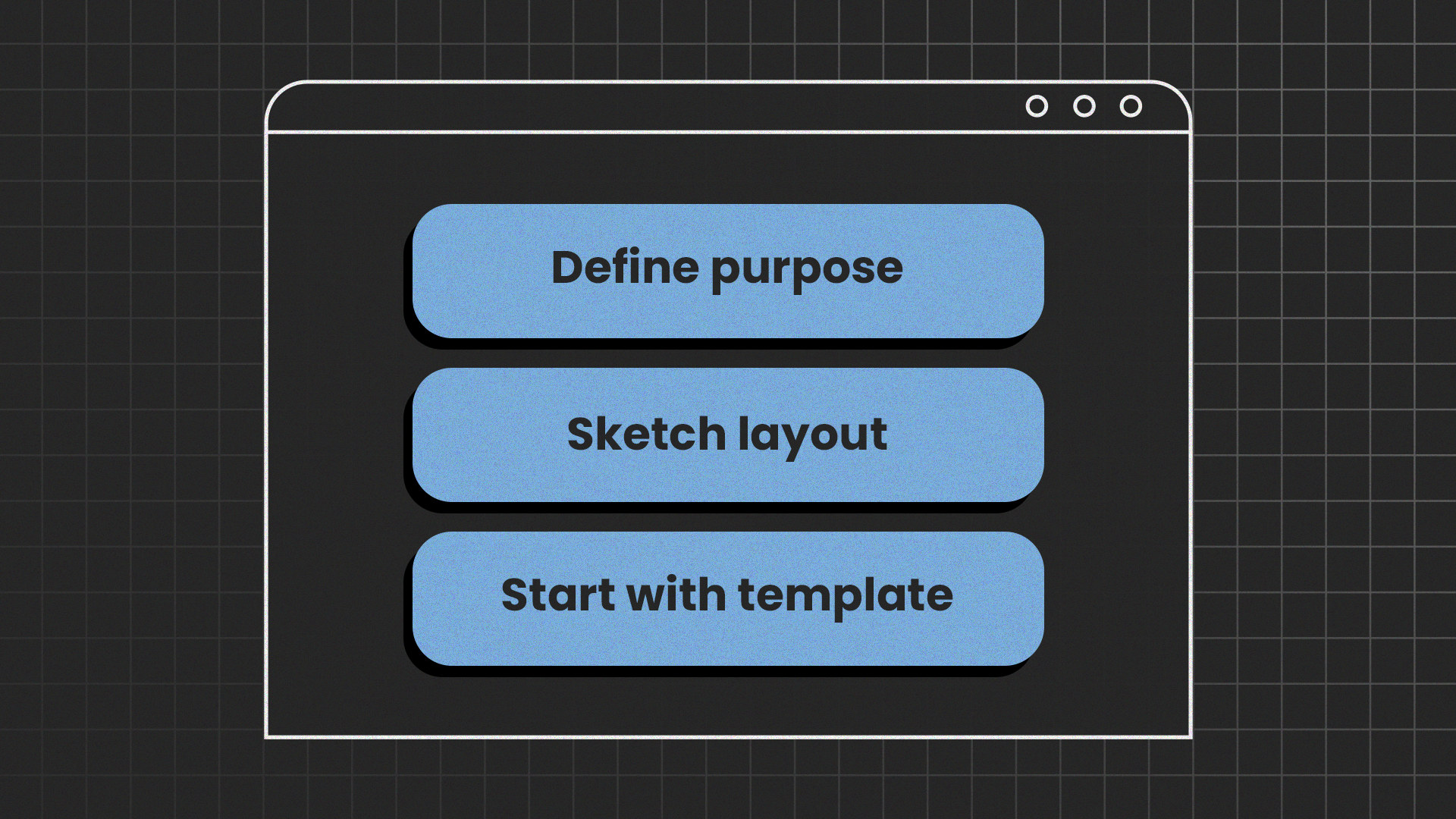
- Define your purpose. Are you building a portfolio, blog, or informational site? A clear goal shapes every decision that follows.
- Sketch your layout. Grab paper and pencil, or use a free tool like Figma. Planning before coding saves hours of frustration.
- Start with templates, graduate to code. Ready-made website builders and templates let you launch quickly while learning design principles. As your skills grow, you can transition to hand-coding for complete control. This progression is both practical and budget-friendly.
Balancing learning with other commitments
Web design requires dedicated practice time. If you're juggling coursework, work obligations, or other responsibilities, you may occasionally feel overwhelmed, particularly when academic deadlines approach. Students facing competing demands shouldn't hesitate to seek support, whether through study groups, time management strategies, or academic resources like the best essay writing service. The key is protecting your learning time while managing all your commitments effectively.
Essential Tools and Resources
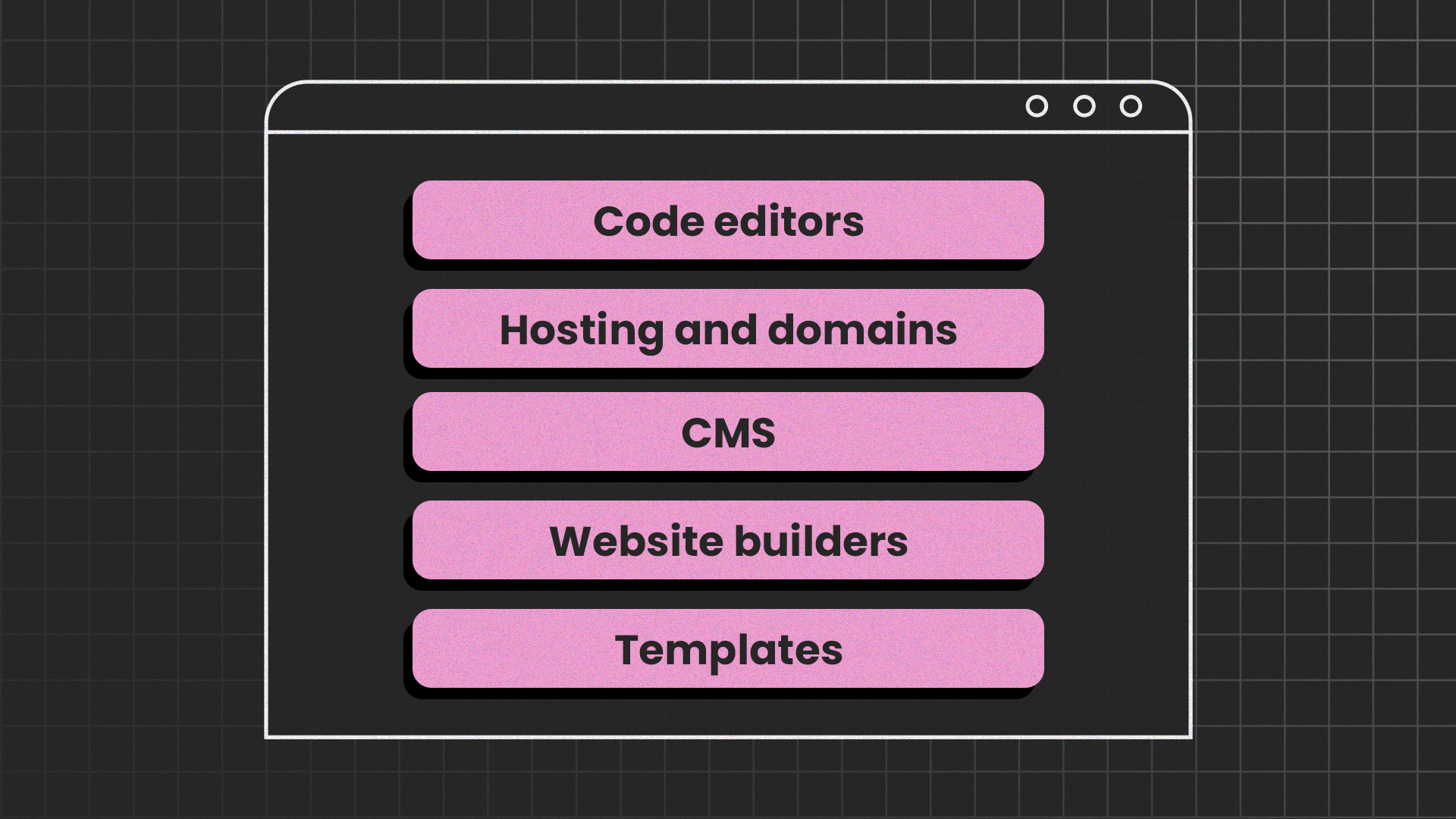
You don't need expensive software to build professional websites. Here are the tools that matter:
Code editors
Start with any of these free, powerful editors:
- VS Code (most popular, extensive plugin library)
- Sublime Text (lightweight and fast)
- Brackets (designed specifically for web design)
All include syntax highlighting, auto-completion, and debugging tools—features that once cost hundreds of dollars.
Hosting and domains
Test and launch sites without spending a cent:
- GitHub Pages (ideal for portfolios and documentation)
- Netlify (excellent for modern static sites)
- Vercel (powerful deployment with minimal configuration)
These platforms host static websites indefinitely at no cost. Start with their free subdomains, then purchase a custom domain when you're ready to look more professional.
Content management systems, website builders, and templates
Website builders offer the fastest path from idea to live site. They’re the perfect starting points for beginners on a budget. Most website builders don’t require coding skills but could help enhance your web design skills through intuitive interfaces:
- Design.com's AI website generator uses artificial intelligence to generate professional websites in minutes. Simply answer a few questions about your business or project, and the AI creates a customized site complete with relevant content and images. Perfect for beginners who want impressive results without any technical knowledge.
- BrandCrowd's website builder combines intuitive design tools with professional templates. Their drag-and-drop interface makes customization simple, while built-in branding tools help you create a cohesive visual identity. Hosting and domains are included, eliminating the need to coordinate multiple services.
WordPress provides a middle ground between convenience and control. With thousands of free themes and plugins available, it's ideal for blogs, portfolios, and small business sites. You can start with minimal technical knowledge and gradually build on it as your skills develop.
HTML/CSS Templates offer complete control for hands-on learners:
- Download free templates from HTML5 UP or Start Bootstrap
- Customize every detail to match your vision
- Learn professional site structure by studying and modifying real code
- Best option for developing marketable coding skills
Choose based on your immediate needs: website builders for speed, WordPress for balanced flexibility, or templates for maximum learning and control. You can also explore tools like NexterWP to enhance your WordPress experience with advanced customization and performance features.
Learning Effectively on a Budget
Becoming skilled doesn't require expensive boot camps or degrees. Strategic, consistent practice matters more than money spent.
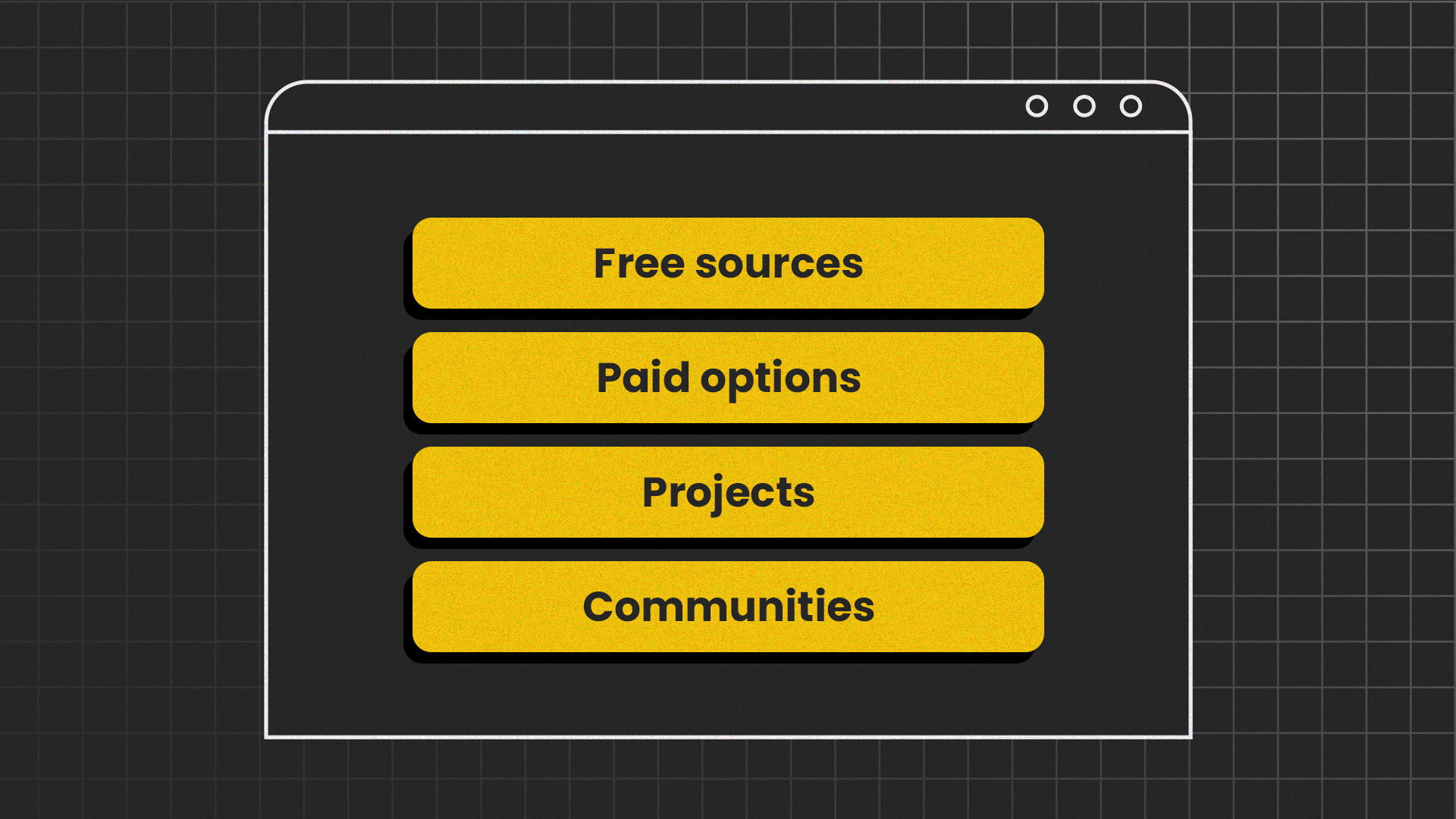
Free learning resources
- MDN Web Docs (Mozilla's comprehensive web development documentation)
- freeCodeCamp (structured curriculum with projects)
- W3Schools (quick references and interactive examples)
- YouTube channels (Traversy Media, Kevin Powell, Web Dev Simplified)
These resources would cost thousands if packaged as formal courses, yet they're completely free. For beginners looking to build their skills, AI courses for beginners can provide a practical starting point for understanding and using AI tools effectively.
Paid courses: When they're worth it
Premium courses can accelerate learning if they include:
- Real-world projects you can showcase
- Active instructor feedback
- Structured progression from beginner to intermediate
Before purchasing, read recent reviews and verify the curriculum matches your goals. Many excellent free resources exist. Don't pay for information you can access elsewhere.
Practice through projects
Theory alone won't make you competent. Build:
- A single landing page for a fictional product
- A personal portfolio showcasing your work
- A simple blog with multiple pages and navigation
- A responsive site that works on phones and desktops
Each project reinforces what you've learned and reveals gaps in your knowledge. Mistakes are valuable - they teach you what doesn't work before the stakes are high.
Join communities
Connect with other learners and experienced developers:
- Reddit (r/webdev, r/web_design)
- Discord servers (freeCodeCamp, The Odin Project)
- Stack Overflow (for specific technical questions)
A single tip from someone who's solved your exact problem can save hours of frustration. Don't struggle alone when collective knowledge is freely available.
Creating Professional-Looking Designs
To become a confident web designer, you don’t need to have expensive tools. Instead, you can rely on accessible web-based software while building a strong understanding of web design principles.
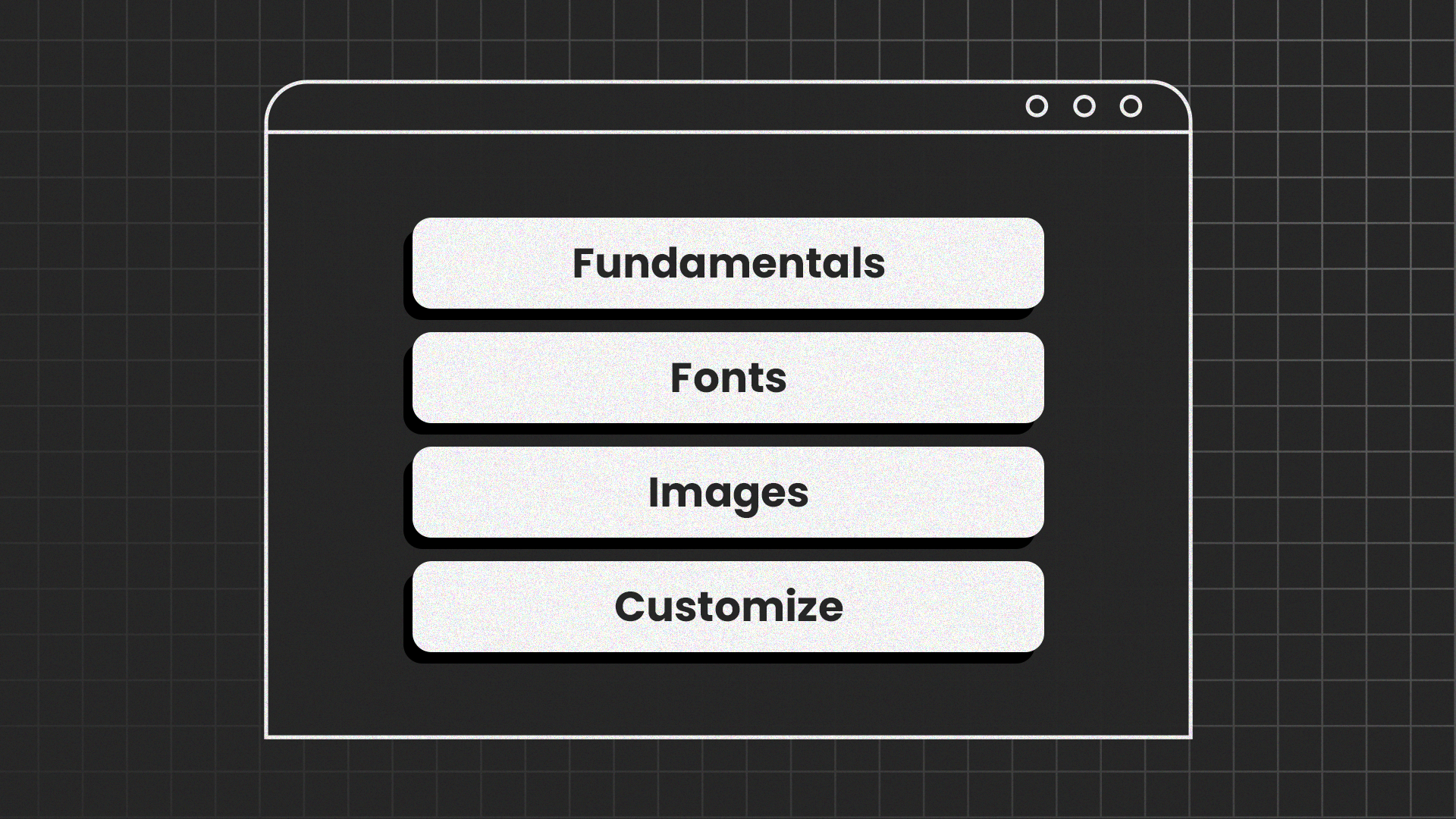
Master the fundamentals
Focus on:
- Contrast (making important elements stand out)
- Alignment (creating visual order)
- Whitespace (giving content room to breathe)
- Typography (choosing readable, appropriate fonts)
Simple and clear design often looks more professional than complex experiments. Users value speed and clarity above visual complexity.
Fonts and images
Google Fonts offers hundreds of high-quality typefaces at no cost. Stick to 2-3 fonts per project at most—consistency beats variety.
For images, use:
- Unsplash (stunning photography, completely free)
- Pexels (diverse stock photos and videos)
- Pixabay (illustrations and vectors included)
Always optimize images before uploading. Compress them using tools like TinyPNG to maintain quality while reducing file sizes. Slow-loading pages frustrate users and hurt search rankings.
Customizing templates
Even when starting with a template, make it your own. Platforms like CodedThemes offer flexible templates that serve as excellent starting points for customization. Adjust:
- Color schemes to match your brand
- Layout spacing for better visual hierarchy
- Small CSS animations for polish (hover effects, smooth transitions)
These modifications cost nothing but make your site feel custom-designed rather than obviously templated.
When to Invest Money
While you can learn entirely for free, strategic investments can accelerate progress:
Worth considering:
- Premium hosting once you have paying clients (Consider platforms like Dinahosting that offer a free trial as well as hosting and domain at the best price)
- A custom domain for your portfolio
- Targeted courses that fill specific knowledge gaps
- Design tools if you're doing serious client work
Not worth it initially:
- Expensive subscriptions (free alternatives work fine)
- Premium themes when free options exist
- Multiple courses covering the same basics
Build several quality projects first. They'll serve as your portfolio and prove your capabilities to potential clients. If you plan to offer web design services, a strong portfolio matters infinitely more than certifications. Many successful agencies, including Denver WordPress Web Design, focus on showcasing real project results and client experience to build trust and credibility with potential customers.
Conclusion
Starting web design on a budget isn't just possible; it's the path most successful designers have taken. Free code editors, hosting platforms, learning resources, and templates provide everything you need to build professional websites.
The real investment is your time and consistency. Choose a small project that excites you. Find one quality learning resource and work through it systematically. Build something every week, even if it's simple.
Each website you create teaches you something new. Each mistake you fix deepens your understanding. Each small improvement builds confidence. Web design mastery comes from accumulated practice, not expensive tools.
Written by DesignCrowd on Friday, January 30, 2026
DesignCrowd is an online marketplace providing logo, website, print and graphic design services by providing access to freelance graphic designers and design studios around the world.
