Creating a great logo is a must for any brand. However, designing one takes a lot of time, skills, money, and effort.
This is where tools like BrandCrowd come in. BrandCrowd promises to make that process much easier with its logo maker, offering thousands of customizable logo templates and a smart AI logo generator so users won’t have to start from scratch.
But do they deliver on the hype? Can you truly make a great logo on the platform? We’ll take a closer look at BrandCrowd’s logo design tool and explore its features, performance, and pricing to see if it’s truly the best logo maker tool for your brand-building needs.
What Is BrandCrowd Logo Maker?
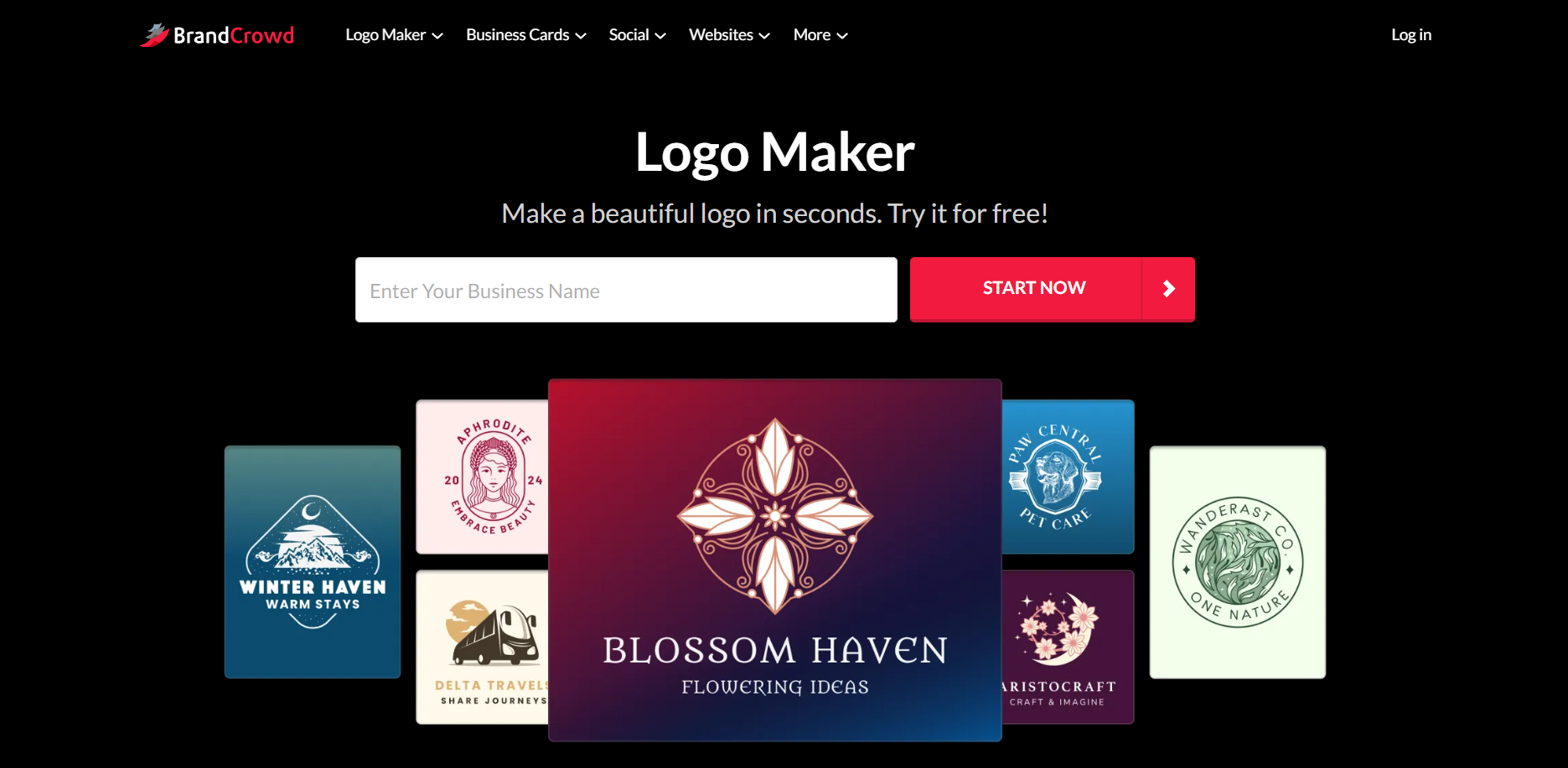
BrandCrowd’s logo maker offers users thousands of logo templates that they can easily customize and personalize to fit their needs and brand identity.
As these are premade, users won’t need to start from scratch. They can simply edit an existing template, thereby cutting down huge amounts of time and effort. It’s also helpful for users who may not have the design skills to build everything themselves or for users who have an idea of what they want but don’t know how to create it.
Some other standout key features of BrandCrowd logo maker are:
- Massive library: BrandCrowd has 350,000+ logo templates and over 1 million total design assets, one of the largest in the market.
- High-quality designs: BrandCrowd templates are created by top designers and not from stock photos or libraries. This makes the templates more polished and high-quality, and a step above generic looking designs.
- Exclusive designs: BrandCrowd houses over 575+ exclusive fonts and 62,000 custom vector shapes that are only available on the platform. You won’t find their templates anywhere else, making their designs more unique and distinct compared to other platforms.
- Easy to use: BrandCrowd has a simple drag-and-drop editor and straightforward controls. Anyone, even those without technical editing knowledge, can easily use the platform.
- Fully editable: All templates on BrandCrowd are fully customizable, so users can change everything from the font, icon, color, background, layout, to animation.
- Commercially safe: Every logo is commercially safe to use, so there is no limit where and how you use your logo. You can also get exclusive licensing for your logo to remove it permanently on the BrandCrowd library.
BrandCrowd also features an AI logo generator for an even speedier process. Here, users just need to type their business name (or maybe a few relevant keywords), then the AI will use that input to generate tons of suitable logo options for you. As with the regular logo maker, all AI generated logos can also be fully customized.
How Is BrandCrowd’s Quality and Performance?
Here’s how BrandCrowd performs across key areas that matter for creating professional logos:
Design quality
The first thing you notice when using BrandCrowd is how polished the templates look.
It makes sense since every template on BrandCrowd is created by experienced designers rather than sourced from stock libraries. So you won’t really get that generic or “template-y” look that you’ll usually get from other tools. Instead, all of the designs feel high-quality and premium.
We tried it out for a craft brewery called “Hoppy Haven”. Here’s what the platform gave us:
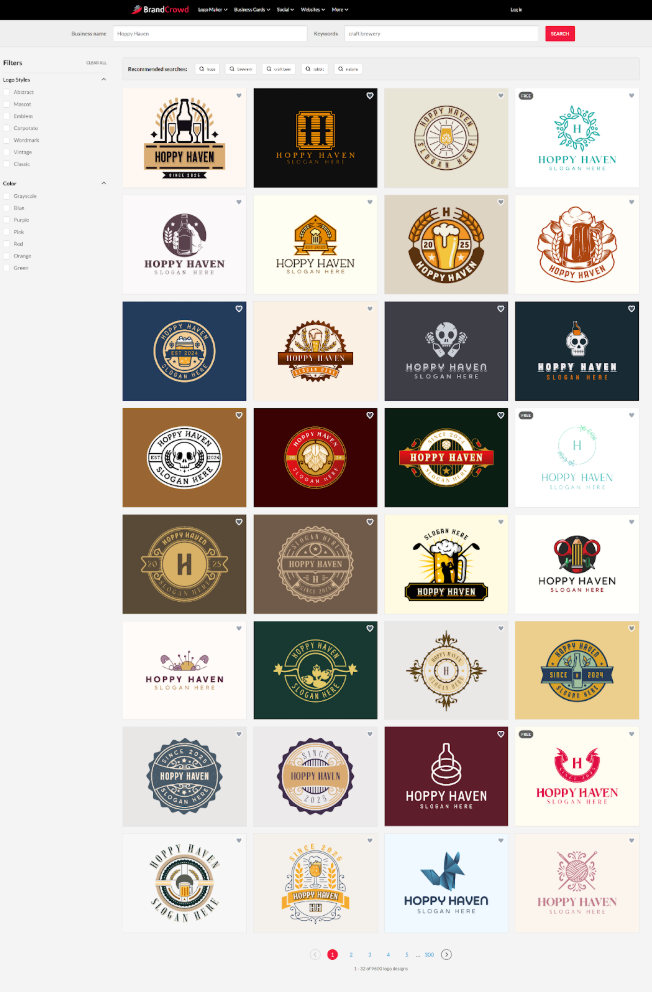
You’ll see that their logos have:
- Vintage-style badges
- Crest-style logos
- Retro typography
- Hops, barley, or brewery-related illustrations
- Warm and earthy tones
All of these elements lead to logo designs that feel balanced, intentional, and on-brand, the kind of logos that a business could proudly use on packaging, menus, or merchandise. The library is also so extensive that you can experiment with different aesthetics (whether minimalist logos or intricate hand-drawn designs) without ever feeling limited.
Relevance
One of BrandCrowd’s strongest points is how relevant the templates are to the business or industry you’re designing for. Even without heavy customization, the platform’s logos immediately communicate the right style and tone.
For instance:
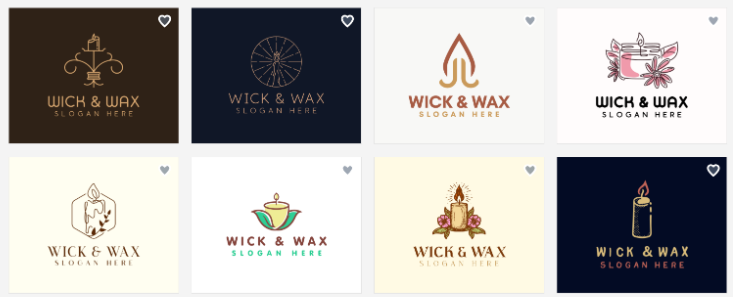
A handcrafted candle shop receives logos with delicate flame or candle icons, soft serif fonts, and warm, earthy colors that communicate artisanal quality and coziness.
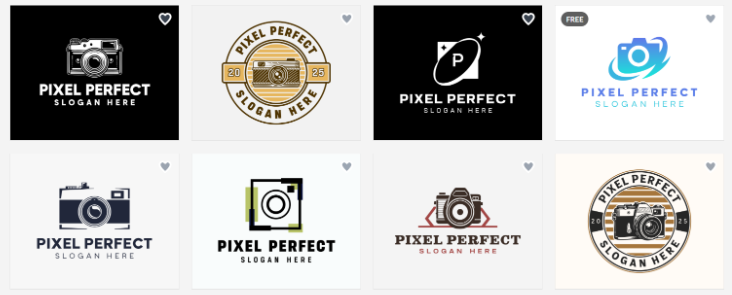
A freelance photography business gets clean and modern logos with camera or aperture icons, minimalist layouts, and neutral tones that signal professionalism and creativity.
An urban fitness studio is presented with dynamic logos featuring movement shapes, strong sans-serif fonts, and bolder colors to convey action and energy.
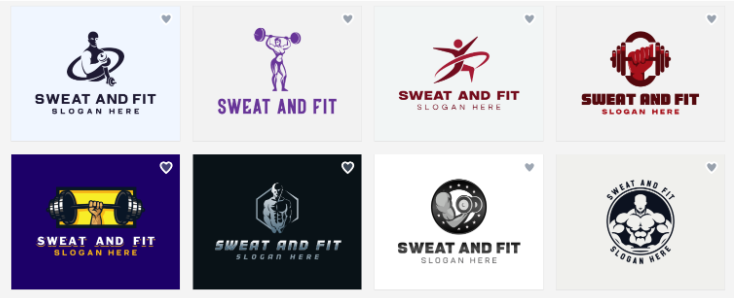
These templates are curated to match specific industries and brand personalities, so even if you don’t change much, the designs are already highly relevant. This relevance is what sets BrandCrowd apart from platforms that only offer generic icons and fonts.
Ease of editing
You don’t need to be a professional designer to customize your logo with BrandCrowd since all the tools are intuitive and beginner-friendly. The drag-and-drop editor also makes everything easy to use.
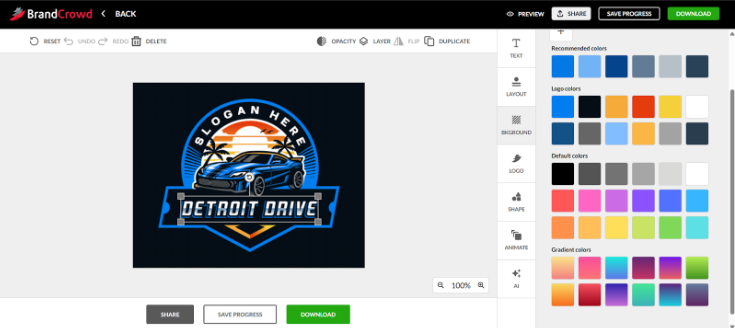
Users can also adjust every visual element of a template from colors, fonts, icons, to layouts. This makes it easy to personalize a logo and make it feel uniquely yours.
BrandCrowd also has a feature where you can “heart” a logo. This will save it to a favorites list so it’s easier to compare logos to choose the one you like best. Users can also access voting polls to gather feedback from colleagues, friends, or clients.
Consistency across branding
BrandCrowd also makes it simple to keep your branding cohesive.
The Brand Kit creator ensures that your logo styling (such as the color, typography, or icon style) automatically carries over to social media graphics, print templates, or website designs. This ensures consistency and cohesiveness across all your materials.
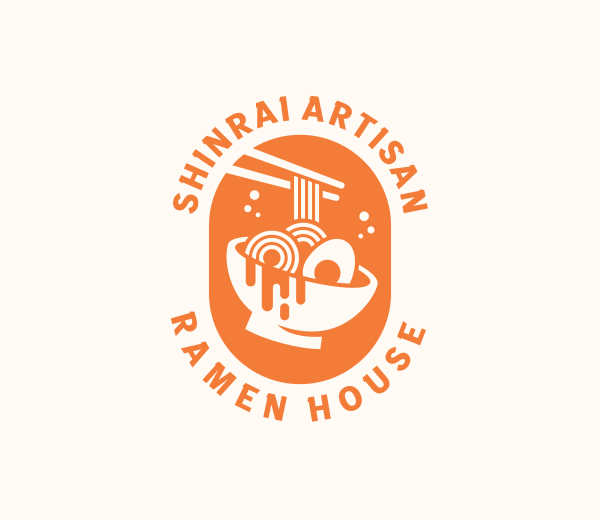
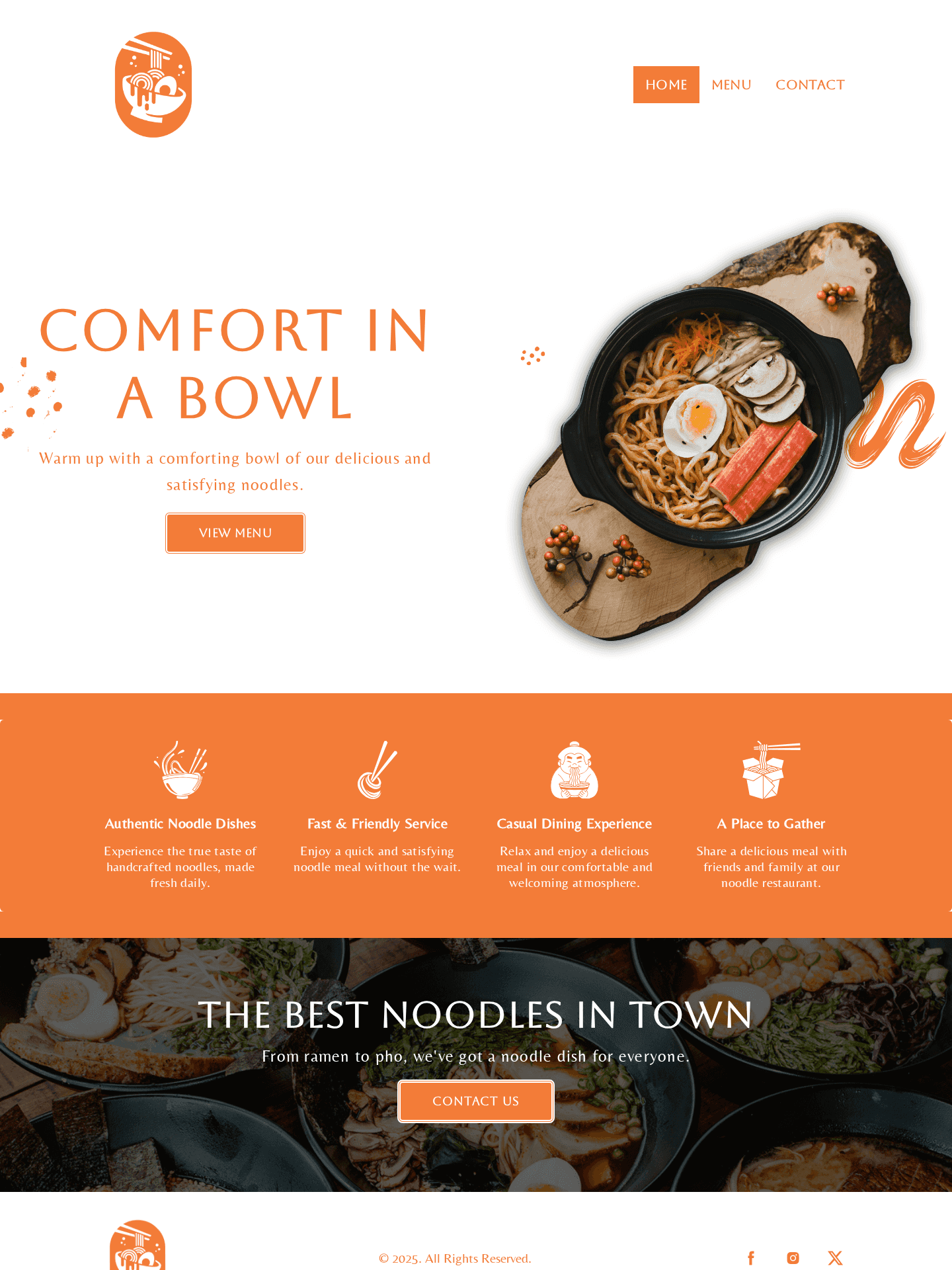
Asian Ramen Restaurant by BrandCrowd
Gourmet Noodles Restaurant by BrandCrowd
Realtor House Letter S by BrandCrowd
BrandCrowd also supports full-scale branding beyond just logo creation:
- Printing services for business cards, mugs, apparel, and more, with free delivery
- Domain name generator for your website
- Business name generator if you don’t have a brand name yet
- And 50+ tools for social media, flyers, presentations, and more!
BrandCrowd Logo Maker Pros
Here are the advantages of using BrandCrowd logo maker:
- Huge library of logo templates across a wide range of industries and niches
- All templates are professionally designed and are of high quality
- Access to 575+ exclusive fonts and 62,000 custom shapes only available on BrandCrowd
- An AI logo generator that can produce thousands of relevant and unique designs in seconds
- Unlimited logo generation for the AI logo generator, no limits or caps unlike other AI tools
- Unlimited edits and revisions for your logo templates, no extra charges
- Beginner-friendly editor and simple controls
- Logos are checked for originality and quality, ensuring users only get the best of the best designs
- All logos are commercially safe
- Option for exclusive logo licensing
- Brand Kit creator for an easier way to get matching brand assets
- Supports a wide range of file formats for both print and digital use
- Multilingual support and global payment options
BrandCrowd Logo Maker Cons
BrandCrowd is a great tool, but there are still a few things you should consider:
- BrandCrowd is only available via web; there is no app yet
- BrandCrowd is created for beginners in mind, so it has less technical integrations
BrandCrowd Logo Maker Pricing
Interested in using BrandCrowd? Here is a breakdown of their pricing structure:
|
Plan
|
Pricing
|
What’s Included
|
|
Free
|
$0
|
You can access and use BrandCrowd for free. There are also free logos available for download, no hidden charges.
|
|
Saver
|
$9 / month
|
Logo Pack only
|
|
Value
|
$14 / month
|
Logo Pack + Website
|
|
Premium
|
$19 / month
|
Logo Pack + Website + More features
|
Users can browse, edit logos, or generate logos in BrandCrowd for free. There are also free logos available for download (those marked with “Free” in the upper left corner). These are completely free with no watermarks or hidden charges.
However, premium logos require a subscription before you can download them. BrandCrowd offers three pricing tiers, which will give you extra inclusions depending on the tier. You can also cancel anytime. Even with the subscription, it’s still comparatively cheaper compared to hiring a designer.
Here is what is included in all plans:
- Your logo is yours forever
- High-res and vector logo files
- Unlimited changes to your logo
- Business cards
- Instagram and Facebook posts
- Email signature templates
- Letterheads
- 50+ other design tools
- 564,000+ templates
And these are the extra features you can get in the Premium Plan:
- Website builder
- Link in bio tool
- Digital business card
Which plan should you choose? If you just need a logo, go for the Saver plan. But if you want to build a complete brand identity, the Premium plan is the best choice since it has everything you need.
Who Is BrandCrowd Logo Maker Best Used For?
BrandCrowd’s logo maker can cater to a wide range of users:
- Small business owners looking to establish their brand without the huge costs
- Startups looking to quickly create a polished logo before launch
- Freelancers who want to create a professional brand identity to help them get clients
- Teams and agencies wanting to maintain consistency across their materials
- Non-designers looking to create high-quality designs
- Creative professionals who need design assets for their projects
Other BrandCrowd Tools
BrandCrowd goes beyond just logo design. They have over 50 additional tools such as:
- Website builder and domain name generator for a complete online presence
- Business cards and digital business cards for networking
- Social media posts, stories, banners, ads, and profile pictures to establish your social media presence
- QR codes to bridge physical and digital branding
- Printing services for mugs, apparel, mousepads, and more
- Business name generator to help you brainstorm suitable brand names
- Flyer and poster templates for promoting events, product launches, or sales campaigns
- Email signature builder to reinforce your branding in every email
- Presentation templates for creating pitch decks, reports, and business proposals
- Video templates for short promotional content, announcements, and social media marketing
- Animations to make logos and branded content more eye-catching, especially for intros, reels, and digital ads
This makes BrandCrowd a one-stop platform for building and maintaining a cohesive brand identity.
Final Verdict
So, does BrandCrowd deliver on its promise of making logo creation easier?
The answer is yes! We find that the customizable templates, AI logo generator, and their intuitive controls truly make it easy for anyone (whether a skilled designer or a newbie) to create a high-quality logo with ease.
And just because the tool is easy to use, it doesn’t mean the logos look basic or generic. In fact, the quality is so top-notch. Every template is polished, visually appealing, and ready for business use. The logos here can stand up to logos from other big brands, rather than feeling like it’s a placeholder to tide you over before you get a logo from a designer or agency.
We also love that BrandCrowd has other great templates for social media, websites, posters, and more. It makes it easy to build a cohesive and unified brand identity, which is ideal for small businesses, freelancers, or startups.
Because of all of these factors, we rate this tool a 10/10!
Ready to start designing your logo? You can also take a look at our articles like 5 Business Logo Design Principles or 25 Questions To Ask Before Designing a Logo for more information.
Faviola Publico is an SEO Content Writer specializing in branding and digital marketing strategies. Outside of work, she enjoys reading slice-of-life novels and watching any mystery thriller-themed series.
Written by DesignCrowd on Friday, February 27, 2026
DesignCrowd is an online marketplace providing logo, website, print and graphic design services by providing access to freelance graphic designers and design studios around the world.
