Great design helps small businesses build credibility, attract customers, and market themselves professionally. Whether you're creating a logo, launching a website, designing social media posts, or producing presentations, the right graphic design software can help you create high-quality visuals without hiring a professional designer.
The challenge is choosing the right platform. Some tools specialize in logo design, while others focus on social media graphics, photo editing, or vector illustration. A growing number now combine AI-powered design with complete branding features, making it possible to manage nearly every aspect of your visual identity from a single platform.
In this guide, we've compared the leading graphic design software for small businesses in 2026, evaluating each platform based on its features, ease of use, AI capabilities, branding tools, export options, pricing, and overall value.
We've highlighted what each platform does best so you can quickly narrow your options based on your business goals.
Quick Overview
|
Brand
|
Key Strengths
|
Format
|
Price
|
|
Design.com
|
AI-powered branding & full brand kits
|
JPG, PNG, SVG, PDF, EPS, MP4
|
Freemium; paid plans start at $3/mo (billed annually)
|
|
BrandCrowd
|
Logo design & brand assets
|
PNG, SVG, JPG, PDF, EPS
|
Freemium; paid plans start at $3/mo
|
|
Canva
|
Everyday graphic design
|
PNG, JPG, PDF, SVG, MP4, GIF
|
Free plan; Pro from ~$13/mo (billed annually)
|
|
Adobe Express
|
Advanced online design
|
PNG, JPG, PDF, MP4
|
Free plan; Premium ~$9.99/mo
|
|
Figma
|
Collaborative & UI design
|
PNG, JPG, SVG, PDF
|
Free plan; Professional from ~$12/mo (billed annually)
|
|
Affinity Designer
|
Pro design without a subscription
|
AI, EPS, PDF, SVG, PNG, JPG, PSD
|
Free (core suite); AI tools require a Canva Pro subscription
|
|
CorelDRAW Graphics Suite
|
Vector & print design
|
CDR, AI, EPS, PDF, SVG, PNG, JPG, TIFF
|
From ~$23/mo (annual subscription) or $549 one-time
|
|
VistaCreate
|
Social media graphics
|
PNG, JPG, PDF, MP4, GIF
|
Free plan; Pro ~$10/mo (billed annually)
|
|
Inkscape
|
Free vector graphics
|
SVG, PNG, PDF, EPS, AI
|
Free & open-source
|
|
GIMP
|
Free photo editing
|
PNG, JPG, PSD, TIFF, GIF, PDF
|
Free & open-source
|
|
Krita
|
Digital illustration & concept art
|
PNG, JPG, PSD, TIFF, KRA
|
Free & open-source
|
|
Pixlr
|
Browser-based photo editing
|
PNG, JPG, PDF
|
Free plan; Premium from ~$4.90/mo
|
|
Sketch
|
Mac-based interface design
|
SVG, PNG, JPG, PDF
|
From ~$12/mo (billed annually) or $120 one-time Mac license
|
|
Lunacy
|
Free UI & vector design
|
PNG, JPEG, BMP, TIFF, ICO, WEBP, SVG, PDF
|
Free (paid tier available for teams)
|
|
Visme
|
Presentations & infographics
|
PNG, JPG, PDF, MP4, HTML5
|
Free plan; Starter from $12.25/mo (billed annually)
|
1. Design.com — Best overall graphic design software for AI branding
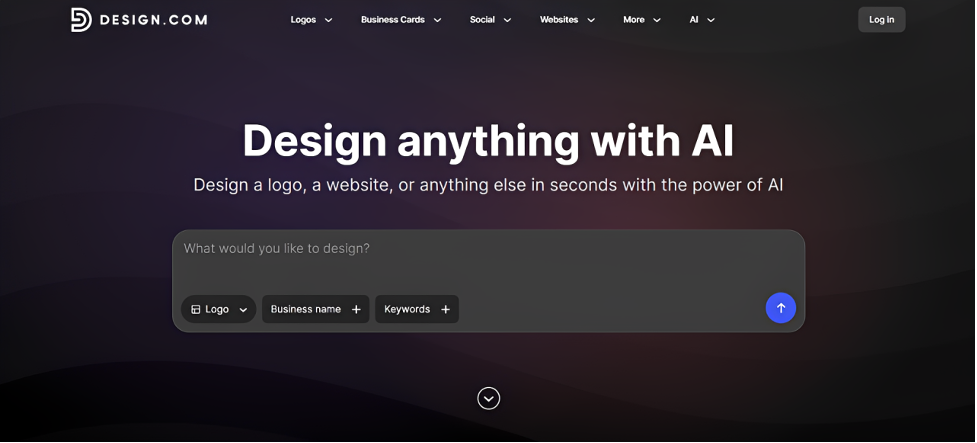
Design.com rounds out the branding side of the list by offering a complete AI-powered design ecosystem, not just a single tool. Instead of treating your logo or social posts as separate projects, it starts with a single AI-generated brand identity and automatically extends it across everything else. The AI generation itself goes beyond matching your business to a generic template by industry.
Key strengths
- Over 500,000 templates covering virtually every industry and brand style
- AI chat editor that lets you make changes by typing plain instructions
- Full branding ecosystem including business cards, social media templates, posters, email signatures, and more
- Beginner-friendly editing experience: simple tools make it easy for non-designers to create professional designs.
- Brand Kit that automatically applies your colors, fonts, and logo across all design templates
- Exports in JPG, PNG, SVG, PDF, EPS, and MP4.
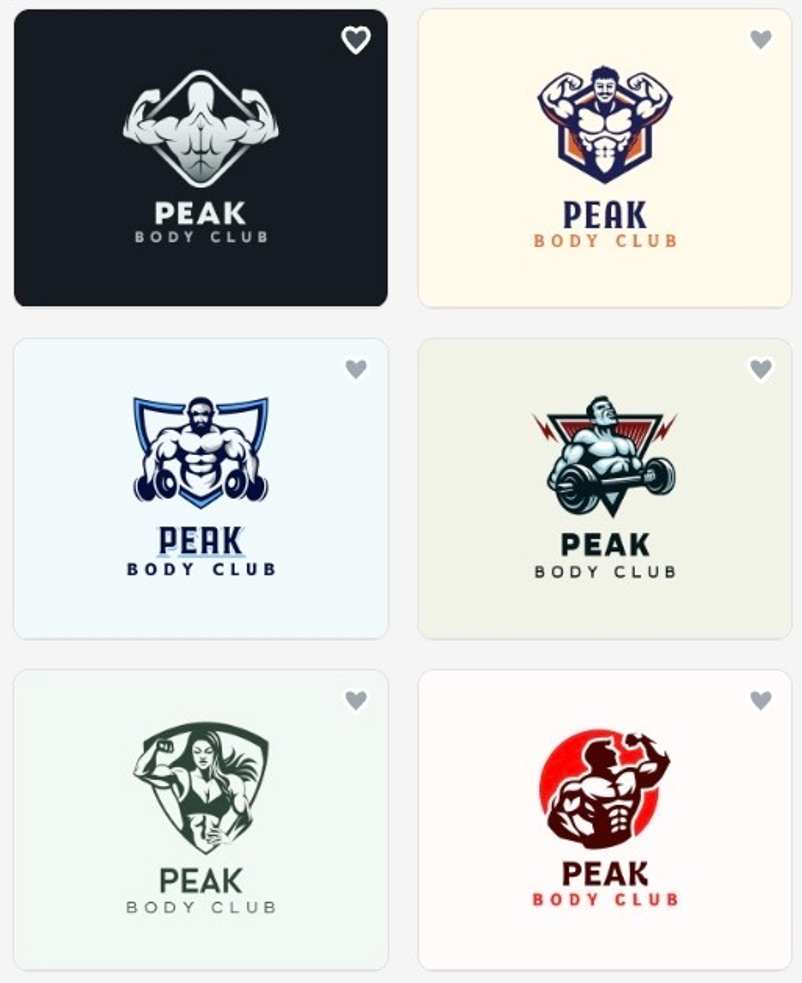
To illustrate Design.com's approach, we created a fictional fitness brand called “Peak Body Club”. The brief called for a modern, energetic gym logo, allowing us to showcase the style and variety of concepts the platform can generate.
Best use case:
- Small business owners promoting seasonal sales across multiple channels
- Entrepreneurs creating marketing materials for a new product launch
- Businesses preparing graphics for social media, email campaigns, and print
- Owners refreshing their brand to attract new customers
- Teams managing consistent visuals across daily marketing campaigns
- Businesses opening a new location and updating all branded materials.
2. BrandCrowd — Best for logo design and brand assets
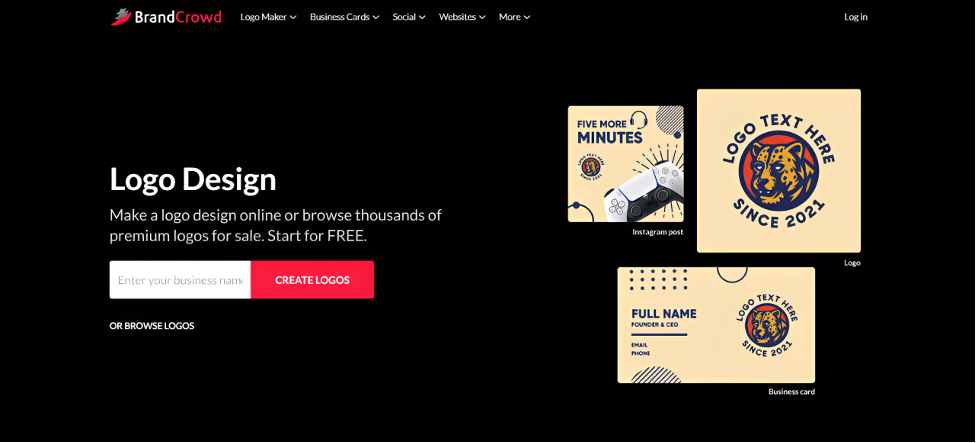
BrandCrowd built its reputation as the "world's best logo maker", a claim backed by a 4.8 Trustpilot rating across more than 9,000 reviews. Its core strength is depth on a single asset: every template starts as a professional designer's original work rather than a purely algorithm-generated shape, which is why BrandCrowd logos tend to look distinct and intentional instead of assembled.
Since its fonts, icons, and shapes are proprietary to the platform rather than pulled from a shared stock library, what you end up with won't show up on a competitor's page next week.
Key Strengths
- Over 380K+ logo templates and 1 million+ total design templates
- Designs created by professional designers, not purely algorithm-generated
- Hundreds of exclusive fonts: 750+ total, with 525+ available only on BrandCrowd
- Thousands of exclusive shapes and icons, including 62K+ custom vector shapes
- Logo templates suitable for any industry, all exclusive to the platform.
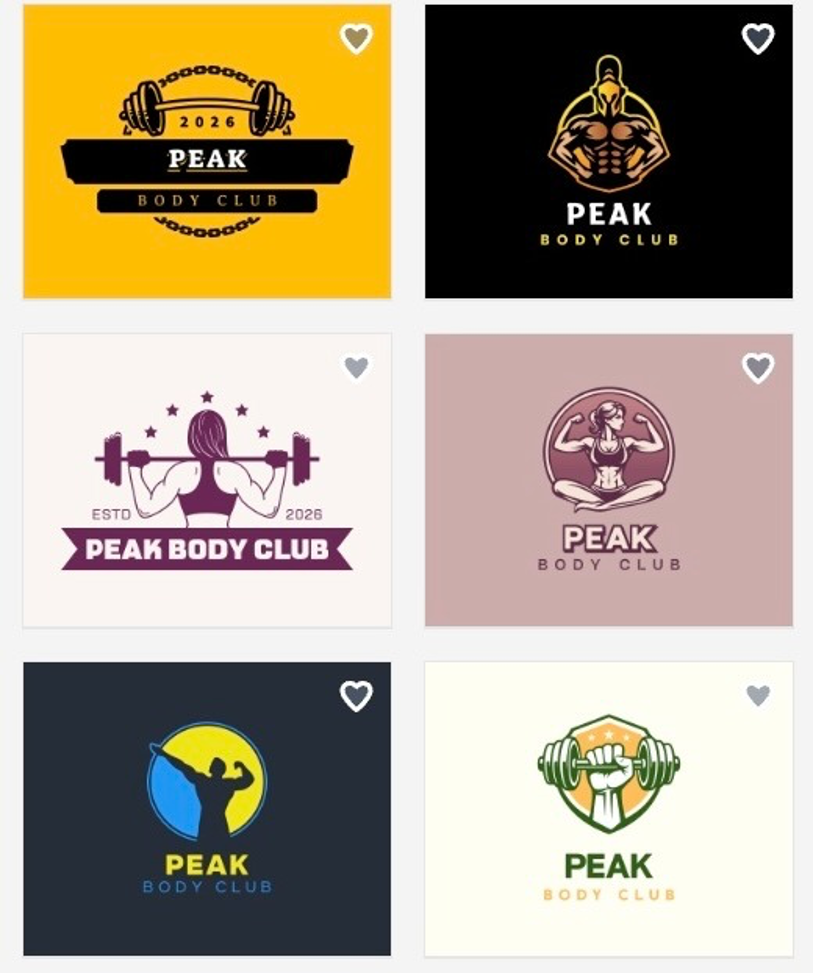
For consistency, we used the same fictional “Peak Body Club” brand to illustrate BrandCrowd's design style, making it easier to compare each platform's overall approach.
Best use case:
- Businesses creating a new brand and needing a logo, website, social media graphics, and marketing materials from one platform
- Business owners refreshing their brand across digital and print marketing with consistent visuals
- Entrepreneurs managing everyday marketing without relying on multiple design tools
- Growing businesses producing branded content for social media, websites, presentations, and print.
- Companies launching new products and creating matching promotional materials across every channel.
3. Canva — Best for everyday graphic design
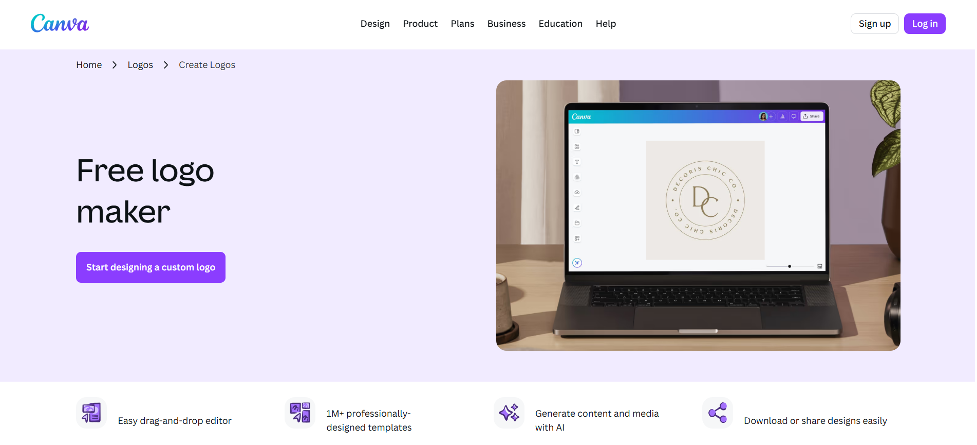
Canva earned its spot as the default design tool for small businesses because it solves the problem most owners actually face day to day: not one perfect brand asset, but a steady stream of decent-looking content.
Key Strengths
- Enormous template library covering social posts, flyers, presentations, menus, and invitations
- Magic Design AI that generates a full editable layout from a text prompt
- Brand Kit that locks in your logo, colors, and fonts so any team member stays on-brand
- Simple drag-and-drop editor.
Best Use Case:
- Business owners posting on social media regularly and needing fast, on-brand graphics
- Small teams producing flyers, menus, or promotional materials without a dedicated designer
- Entrepreneurs who need a wide variety of content types (invitations, presentations, ads) from one tool
- Non-designers who want professional-looking output without a learning curve.
4. Adobe Express — Best for advanced online graphic design
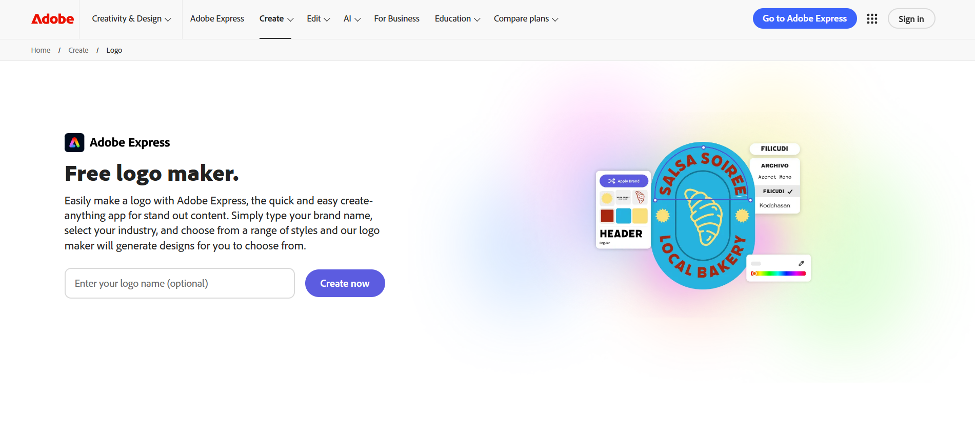
Adobe Express exists for the business owner who has outgrown Canva's simplicity but doesn't want to commit to the full Creative Cloud suite. It brings the same Firefly AI engine and asset library that power Photoshop and Illustrator into a much simpler, browser-based editor, giving you noticeably more creative control without needing to learn professional desktop software.
Key Strengths
- Firefly-powered generative fill, generative expand, and text-to-image tools
- Access to Adobe's premium stock photo, video, and font library
- Brand kits and template locking to keep content on-brand across a team
- A natural stepping stone into the broader Adobe ecosystem if you ever need it.
Best Use Case:
- Business owners who want more polish than basic template editors provide
- Companies already using other Adobe products who want a consistent workflow
- Small teams needing premium stock photography and fonts for marketing materials
- Businesses that occasionally need advanced photo edits, like generative fill, without hiring a photo editor.
5. Figma — Best for collaborative and UI design
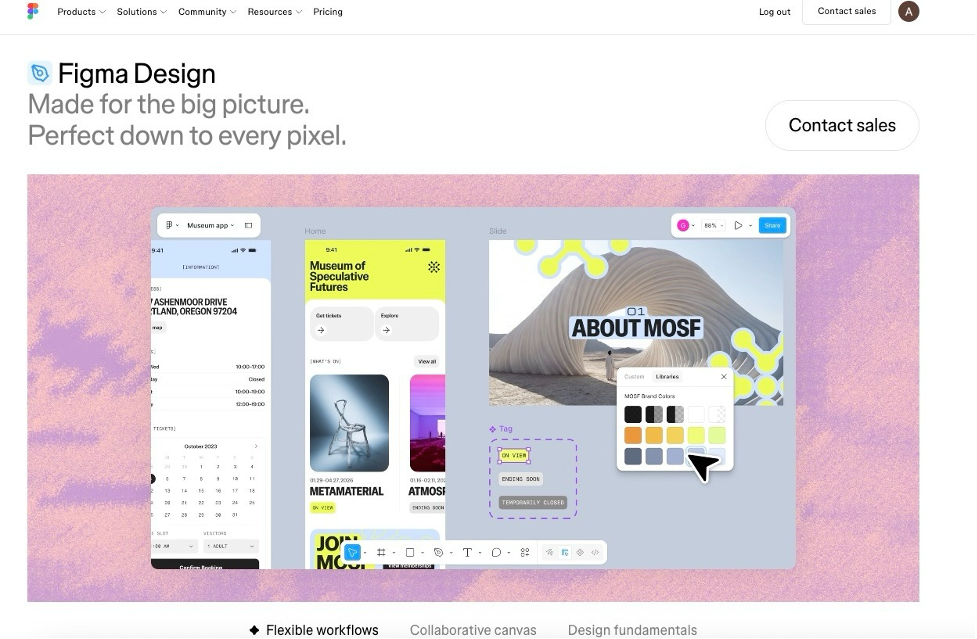
Figma was built for interface design, but the reason it belongs on this list is real-time collaboration: the ability for multiple people to work in the same file at the same moment, with changes appearing live for everyone. For a small business with even one collaborator, this eliminates the version-control headache of emailing files back and forth.
Key Strengths
- Multiple people editing the same file simultaneously, with live cursors and comments
- Reusable components and shared design libraries to keep a growing project consistent
- Built-in commenting for fast, in-context feedback
- The industry standard for website and app design, useful for developer handoff.
Best Use Case:
- Small businesses building or redesigning a website or app alongside a developer
- Founders working with a freelance or remote designer who need real-time feedback
- Teams of two or more who need to collaborate on the same design without emailing files back and forth
- Businesses that need a professional handoff from design to development.
6. Affinity Designer — Best professional design software
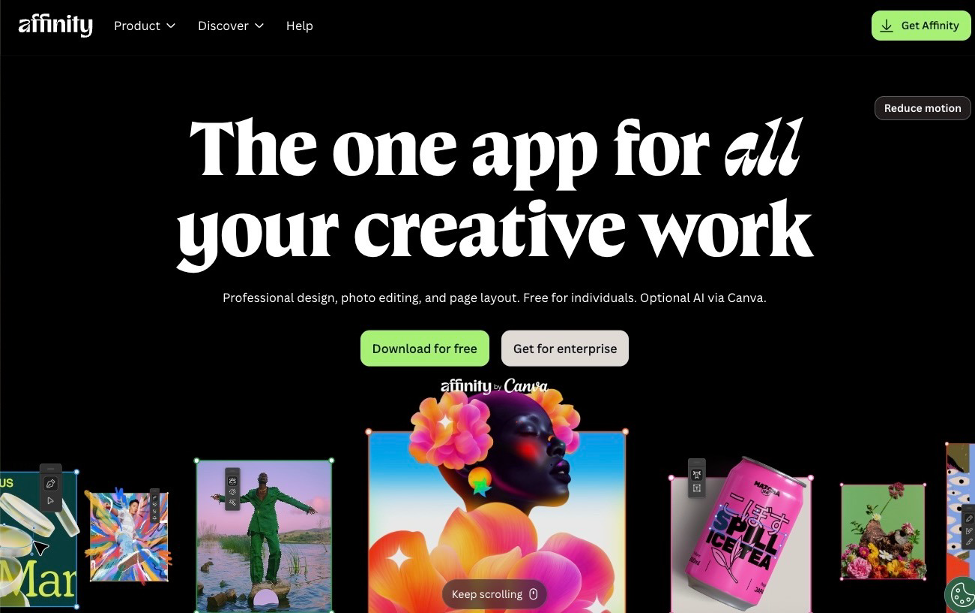
Affinity Designer has long been the go-to answer for businesses that want Illustrator-level vector tools without an Illustrator-level monthly bill. Since Canva's acquisition of Serif, the core Affinity suite — Designer, Photo, and Publisher — is now free to use outright, with AI-powered features unlocked through a Canva Pro subscription.
Key Strengths
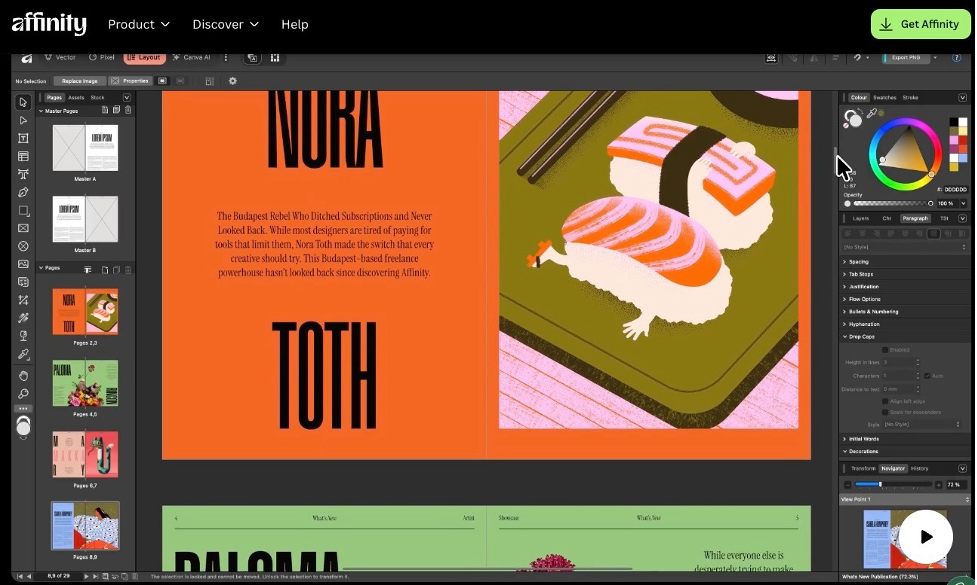
- Precise vector paths, advanced typography, and layered artwork comparable to Illustrator
- Photo editing and page layout tools bundled into the same app
- Generative Fill, Generative Expand, and other AI tools, unlocked with Canva Pro
- No recurring fee required for the core design tools.
Here’s how the Affinity Designer interface works.
Best Use Case:
- Business owners or in-house staff who want desktop-grade design tools without an ongoing bill
- Companies producing detailed vector work, like custom icons or illustrated packaging
- Small businesses that want print-quality layout and photo editing in one app
- Budget-conscious owners who still need professional-level design control.
7. CorelDRAW Graphics Suite — Best for professional vector and print design
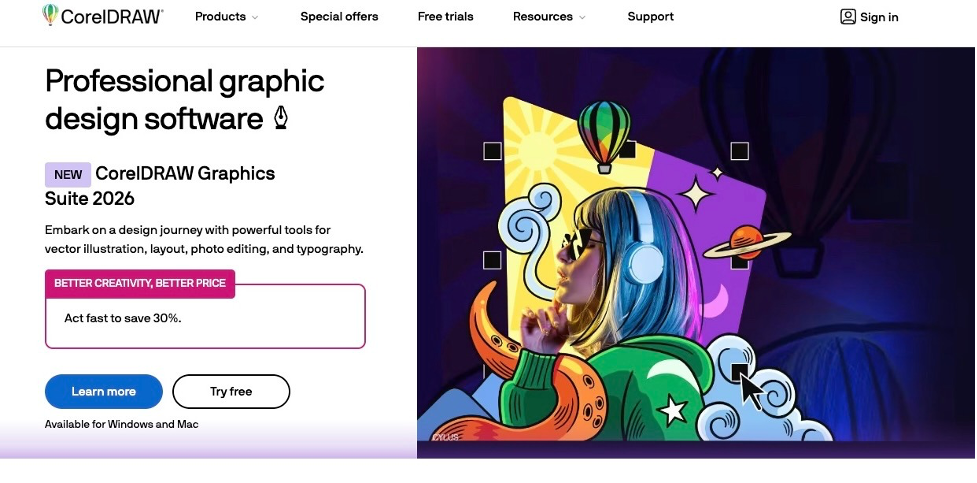
CorelDRAW has stayed relevant in the print and sign-making world for decades because it was built around the specific technical demands of physical production. This includes color separations, large-format export, and precise print profiles that general-purpose design apps tend to handle poorly.
Key Strengths
- Vector illustration, page layout, and photo editing combined in one suite
- Deep support for print-specific needs like color separations and large-format output
- AI Generate and AI-powered background removal tools built into the 2026 release
- Choice of an annual subscription or a one-time perpetual license.
Best Use Case:
- Businesses regularly producing signage, banners, or large-format print materials
- Companies designing product packaging that needs precise color and print profiles
- Print shops, sign makers, or merchandise businesses handling client design work
- Business owners who prefer the option of a one-time purchase over a subscription.
8. VistaCreate — Best for social media graphics
VistaCreate, built by the team behind Vistaprint, is designed for the specific rhythm of social media marketing: high volume, fast turnaround, and content that needs a little motion to stand out in a crowded feed.
Key Strengths
- 150K+ templates and a library of 70M+ photos, videos, and vectors
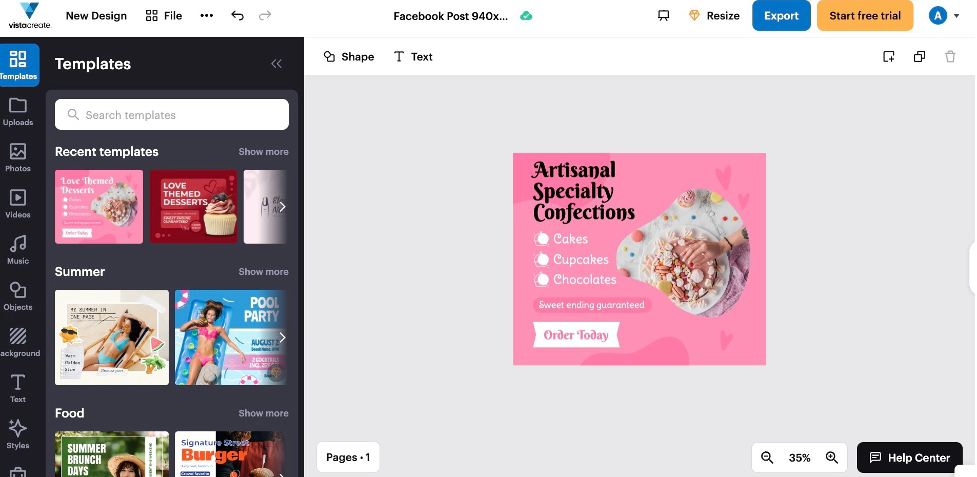
- Built-in animation and video editing tools for Reels, Stories, and Shorts
- Brand Kit with unlimited storage on the paid Pro plan
- Team collaboration for up to 10 members.
Here's a preview of VistaCreate's Facebook post template and editing workspace. To demonstrate the editor, we used a fictional confectionery brand as an example, showing the initial design users can expect before making further customizations.
Best Use Case:
- Small businesses posting daily or weekly across Instagram, TikTok, and Facebook
- Social media managers who need animated content without a separate video editor
- Businesses running promotions that need fast, eye-catching graphics on a tight turnaround
- Teams of up to 10 collaborating on a shared social media content calendar.
9. Inkscape — Best free vector graphics software
Inkscape proves that "free" doesn't have to mean "limited." It's a fully open-source vector editor with precise path and node editing tools that genuinely compete with paid software like Illustrator.
Key Strengths
- Precise path and node editing tools for logos, icons, and illustrations
- Native SVG support, ideal for web and print work alike
- An active community producing plugins, extensions, and tutorials
- Zero cost, with no feature paywall or watermark.
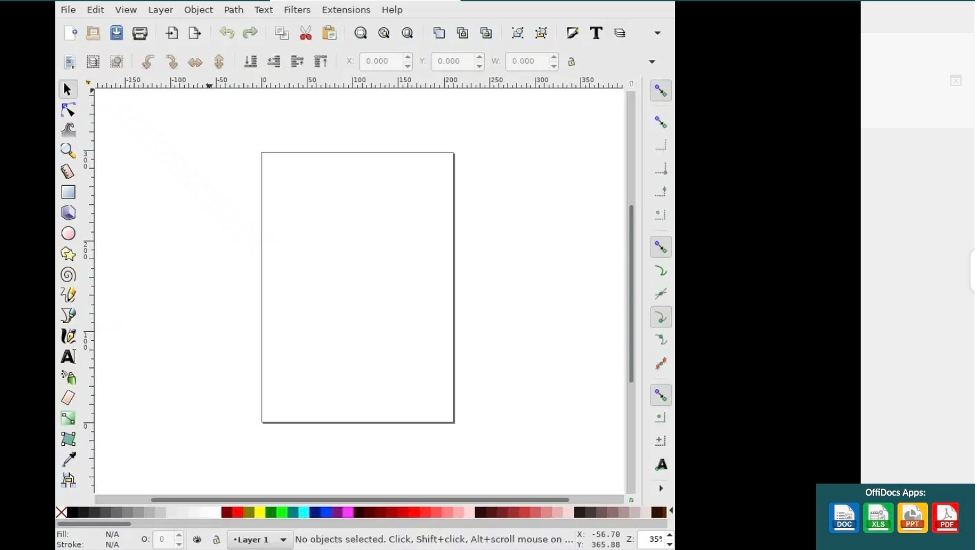
The interface highlights Inkscape's traditional desktop workspace, which prioritizes functionality over ease of use.
Best Use Case:
- Bootstrapped businesses that need real vector design capability with no software budget
- Owners who want to build or edit their own logo, icons, or illustrations in-house
- Businesses needing scalable SVG graphics for web use
- Anyone comfortable with a slightly steeper learning curve in exchange for zero cost.
10. GIMP — Best free photo editing software
GIMP is the closest free equivalent to Photoshop, and it's a particularly good fit for a small business that lives and dies by product photography.
Key Strengths
- Layers, masks, and filters for serious photo retouching and compositing
- Support for PSD, TIFF, and other industry-standard file formats
- Scriptable batch editing for processing large numbers of images at once
- No subscription, ever.
Best Use Case:
- Product-based businesses that need to clean up or retouch product photography regularly
- Ecommerce sellers processing large batches of images for online listings
- Small businesses that need Photoshop-level editing without the ongoing cost
- Owners comfortable handling photo editing in-house rather than outsourcing it.
11. Krita — Best for digital illustration and concept art
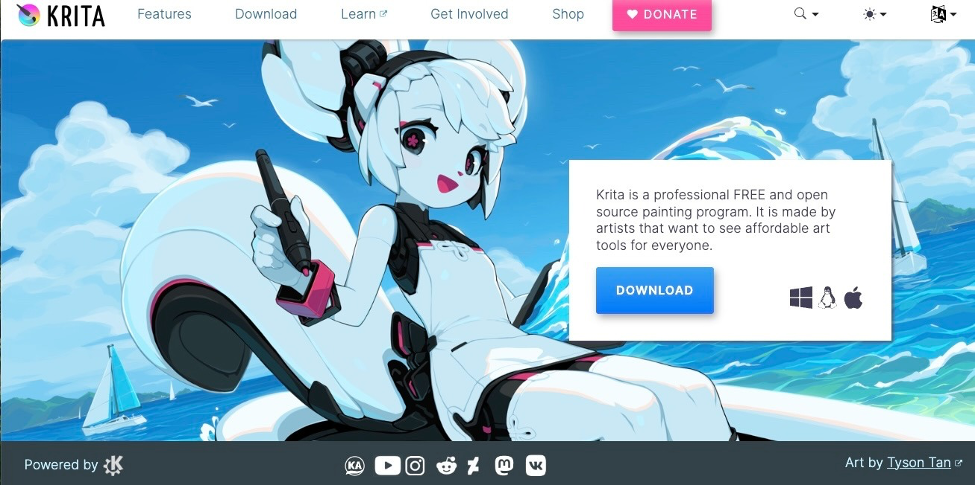
Krita takes a different angle from the other free tools on this list — it's built for drawing, not layout or photo editing. Its brush engine is tuned to feel like natural media, with pressure sensitivity and blending that mimics real paint and pencil.
Key Strengths
- A natural, pressure-sensitive brush engine that mimics real media
- Robust layer management and animation tools
- A toolset purpose-built for illustration and concept art, not general layout
- Free for both personal and commercial use.
The digital illustration below demonstrates what Krita can produce.

Best Use Case:
- Businesses that want a custom, hand-illustrated mascot or character for their brand
- Companies designing illustrated packaging or product art
- Owners who draw or sketch their own concepts digitally rather than using templates
- Brands wanting a distinctive, artistic look that vector templates can't replicate.
12. Pixlr — Best browser-based photo editor
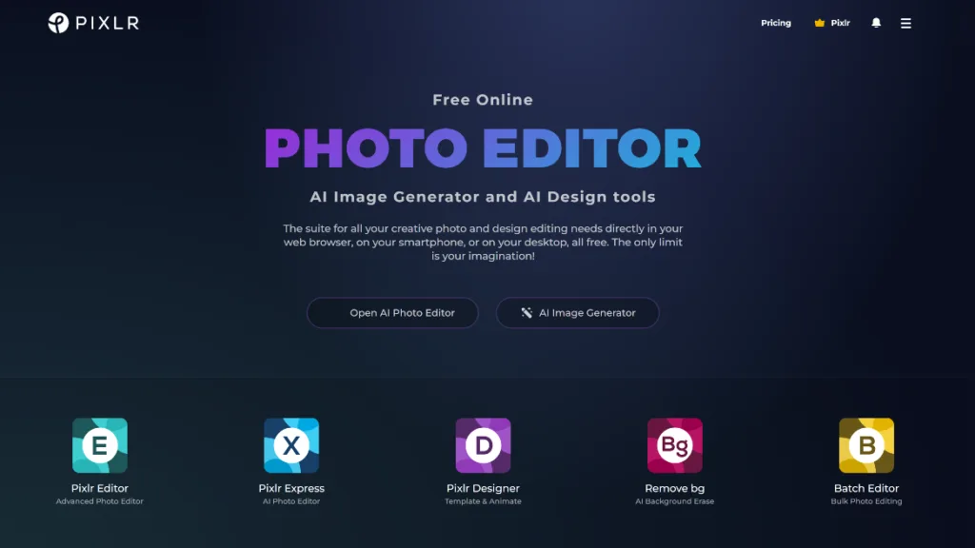
Pixlr exists for the moment when you need to fix a photo right now and don't have time to open — or install — a full editor. It brings Photoshop-style tools, including AI-powered background removal, directly into the browser.
Key Strengths
- AI-powered background removal and retouching
- No installation required — works instantly from any device, including mobile
- Quick templated designs alongside standard photo editing
- A free tier with ads; paid tiers remove them and add more assets.
Best Use Case:
- Business owners who need to quickly edit a photo without installing software
- Solo operators managing marketing on the go from a phone or shared computer
- Companies needing fast background removal for product photos or headshots
- Anyone who wants a lightweight backup editor alongside a primary design tool.
13. Sketch — Best for Mac-based interface design
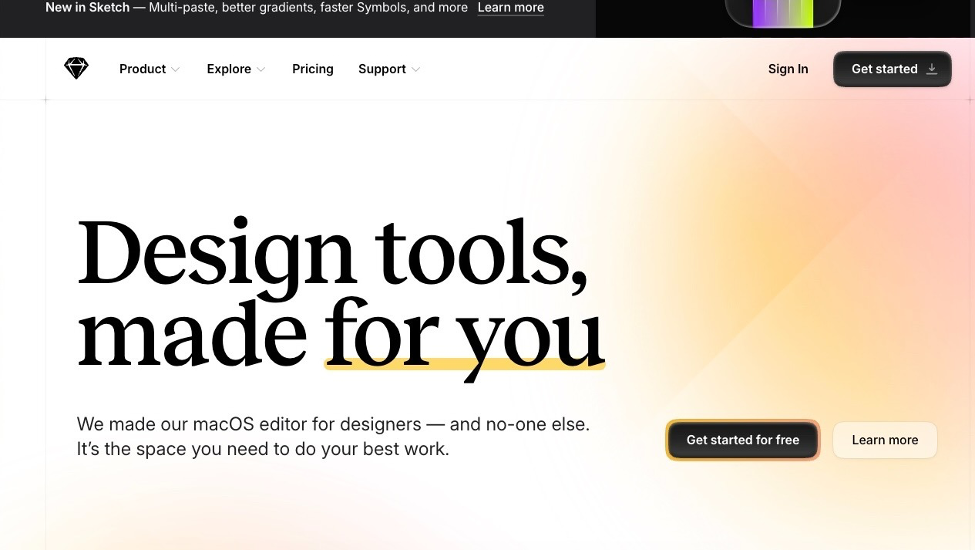
Sketch has been a fixture in Mac-based design workflows for years, prized for a clean, focused toolset and an enormous plugin ecosystem that extends it into prototyping and developer handoff.
Key Strengths
- A clean, focused toolset for websites, apps, and design systems
- A large plugin ecosystem covering prototyping and developer handoff
- Native Mac performance, since it's built specifically for macOS
- A one-time Mac license available as an alternative to the subscription.
Best Use Case:
- Mac-based small businesses or agencies designing websites, apps, or digital products
- Business owners working with a developer who needs a clean design handoff
- Design-focused teams that prefer native macOS performance over a browser-based tool
- Companies wanting the option of a one-time purchase instead of ongoing fees.
14. Lunacy — Best free UI and vector design tool
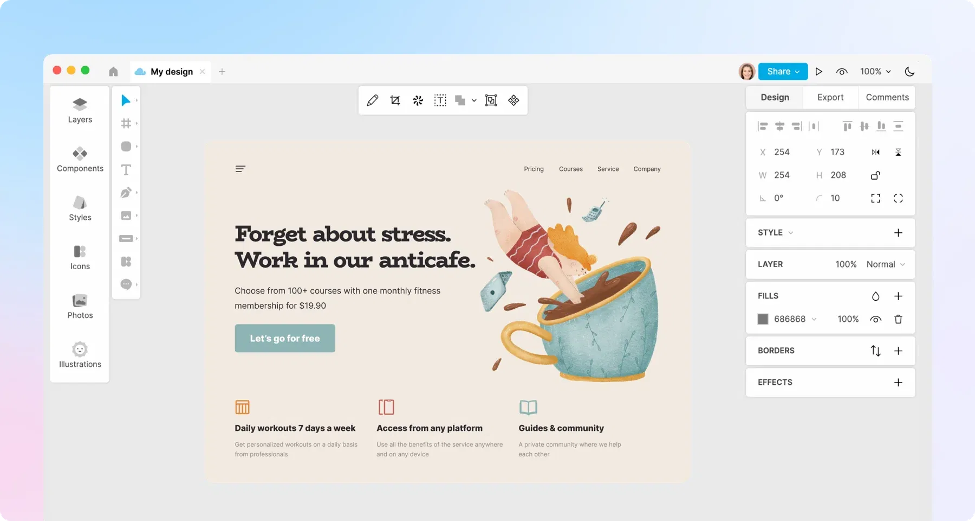
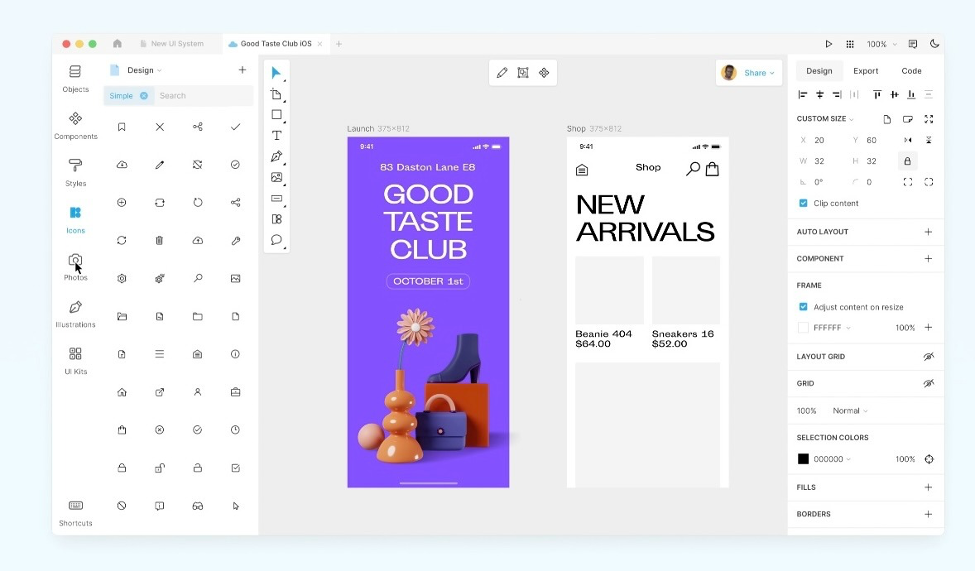
Lunacy, built by the icon company Icons8, fills a specific gap: Sketch-quality UI and vector design for the Windows and Linux users Sketch doesn't support, with the ability to open native Sketch files for cross-platform collaboration.
Key Strengths
- AI tools for background removal, image upscaling, and text generation
- Native support for opening and saving Sketch files
- Runs on Windows, macOS, and Linux, and now in-browser as well
- Full offline capability, with no internet connection required.
Check out Lunacy's workspace and tool layout.
Best Use Case:
- Windows or Linux-based small businesses that want Sketch- or Figma-style tools for free
- Teams collaborating with Mac-based designers who need to open Sketch files
- Businesses needing UI or vector design work done offline
- Budget-conscious owners who still want AI-assisted editing tools.
15. Visme — Best for presentations, infographics, and business graphics
Visme covers the side of design most tools on this list skip entirely: the internal, business-facing side. Pitch decks, investor updates, and data-heavy infographics require turning numbers into something a reader can actually absorb, and Visme's data-visualization tools are built specifically for that job.
Key Strengths
- Data-visualization tools that turn spreadsheets into clean charts and infographics
- Templates purpose-built for pitch decks, reports, and presentations
- Brand Kit and analytics available on paid plans
- Export to PPTX, HTML5, MP4, and more on the Pro tier.
Best Use Case:
- Small business owners preparing pitch decks or investor updates
- Companies that need to turn sales or performance data into clear infographics
- Businesses regularly building internal reports or client-facing presentations
- Owners who want presentation design and data visualization handled in one platform.
What should small businesses look for in design software?
Before you commit to any platform, here are the questions worth asking:
- Does it understand your industry?
The best tools do not just match keywords but surface designs that feel right for your specific type of business and brand personality.
- How much editing will you realistically do?
If you want results fast, look for tools that get you close on the first try. If you enjoy tinkering, a more open-ended editor might suit you better.
- What file formats do you need?
Make sure the tool gives you PNG for web, SVG for scalable use, and PDF for print, preferably without watermarks on the free tier.
- Do you need more than a logo?
If you want consistent visuals across your entire brand, look for platforms that offer Brand Kit features and templates for social media, business cards, and marketing materials.
Free plans are good for testing, but pay attention to what gets locked behind upgrades. Sometimes the most affordable-looking option ends up being the most expensive once you factor in what you actually need.
Final Verdict
Every small business has different design needs, but the right graphic design software should grow with your business, making it easier to create everything from everyday graphics to your next marketing campaign. Choosing a platform that can support you at every stage will save time today and continue delivering value as your business evolves.
Choosing the best graphic design software for your small business comes down to finding a platform that balances quality, ease of use, creative flexibility, and value. Throughout our testing, we looked beyond individual features and focused on which tools could consistently help small businesses create professional branding and marketing materials with the least amount of effort.
Looking for more design tips and inspiration? Explore our articles below:
Written by DesignCrowd on Monday, August 3, 2026
DesignCrowd is an online marketplace providing logo, website, print and graphic design services by providing access to freelance graphic designers and design studios around the world.
